Beelink Mini S12 , How energy-efficient and quiet this mini pc with the 12th Gen Intel N95?
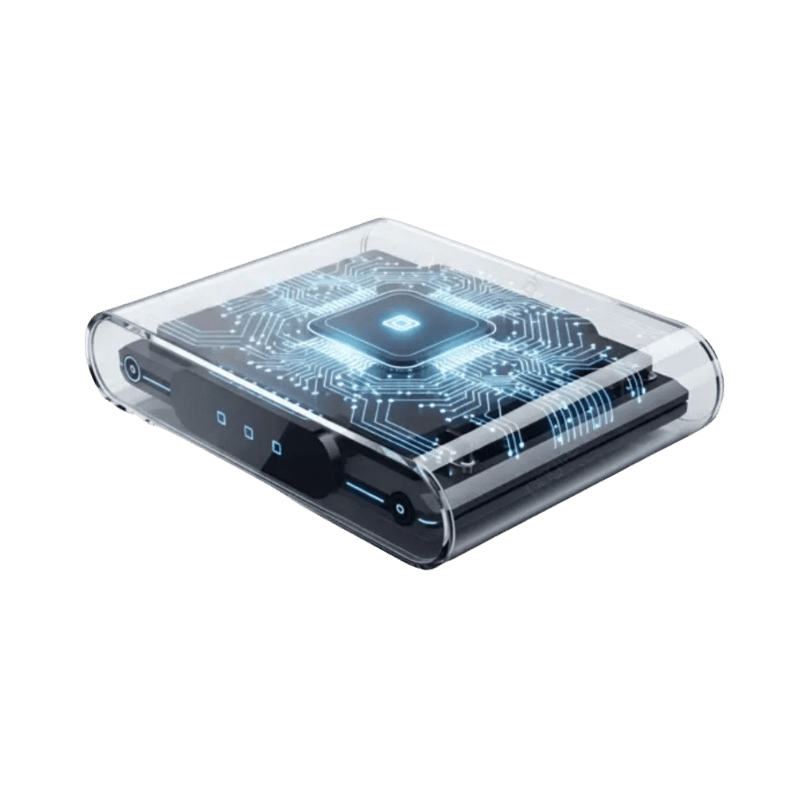
Beelink Mini S12 Intel N95 Mini PC
Beelink Mini S12 Intel N95 Mini PC is one of the most searched compact computing solutions right now. Below is a clear, technical breakdown to help you decide if it fits your workflow.
Quick Answer
The Beelink Mini S12 Pro (Intel N100) draws 5–8W at idle and 18–22W at full load — among the most efficient mini PCs tested. Virtually silent at under 25dB in typical use. Annual electricity cost running 24/7 at UK rates: approximately £12–15. The best choice for always-on home server or HTPC use.
Quick overview
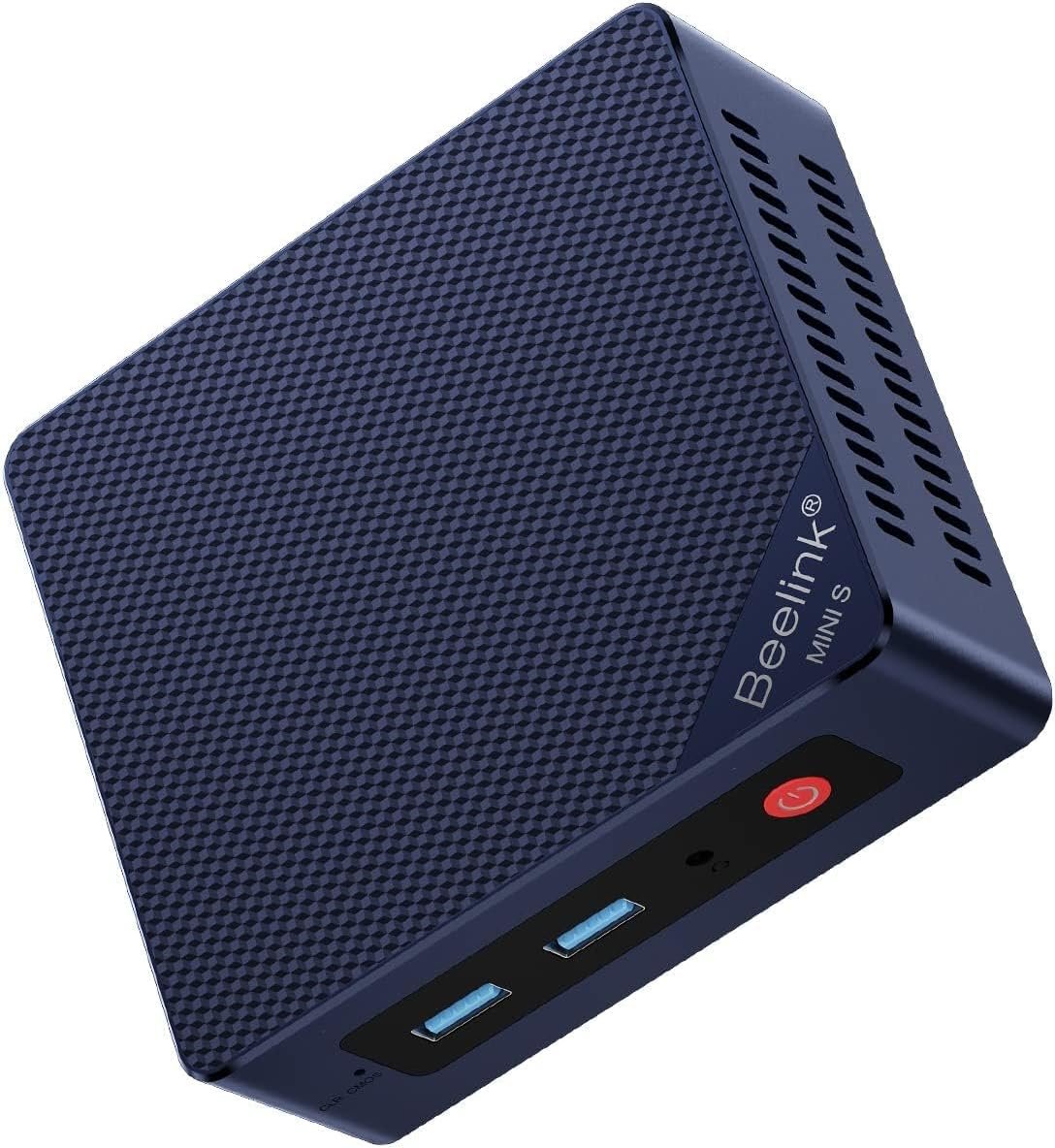
The Beelink Mini S12 (Alder Lake‑N95) is a compact, low‑power mini PC aimed at everyday productivity, media playback and light server/virtualization tasks. It pairs an Intel N95 4C/4T processor (up to 3.4 GHz) with small‑form factor design, dual HDMI 4K output, integrated Intel UHD graphics and common connectivity (Wi‑Fi, Bluetooth, 2.5G LAN). Depending on the configuration, stock units ship with modest memory and storage (many listings show 8GB DDR4 / 256GB SATA3 SSD, while some listings/spec sheets reflect larger options).
Why the Mini S12 is energy-efficient
- Low‑power CPU architecture: The N95 belongs to Intel’s Alder Lake “N” family designed for low power consumption in entry level systems, so the platform is tuned for efficiency rather than high thermal/power envelopes.
- Small, efficient power brick: Users have reported the unit using a 5V/3A adapter (15W), which is consistent with a low maximum system draw compared with typical desktop PCs. This implies much lower electricity usage for 24/7 tasks like home servers, media streaming or light virtualization.
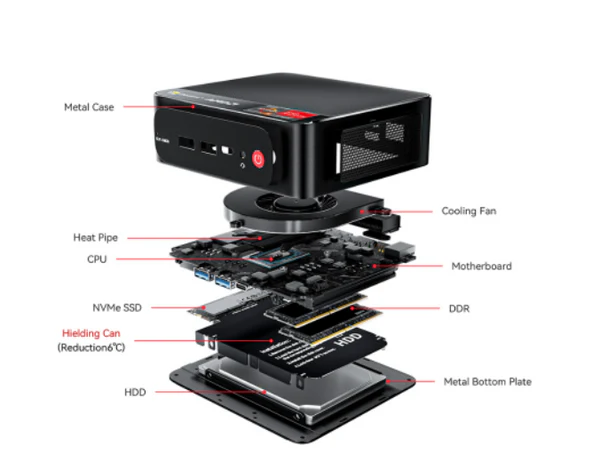
- SSD storage and DDR4 memory: Solid‑state storage and modern DDR4 RAM reduce idle power compared with legacy spinning drives and older memory technologies.
- Tunable performance: For many background tasks and home servers you can use power‑saving Windows/Linux profiles, cap CPU frequency or disable unused features to further reduce power.
How quiet is it in real use?
Manufacturer materials describe an efficient cooling fan, large air ducts and a “quiet control chip” design with improved heat dissipation. User reports consistently emphasize very low noise in normal operation:
- Multiple users report “extremely quiet” operation and say the fan is barely audible at idle—one review said you have to put your ear close to hear it.
- Several buyers used the device as a home virtualization server, Home Assistant host or media PC and praised the low acoustic profile while running multiple containers or lightweight VMs.
- A small number of notes mentioned the device feeling a bit warm under load, or experiencing occasional noise/glitches, but these were not widespread.
- One review called the unit “fanless”—this likely reflects user perception (very quiet) or different firmware/hardware revision; the official description however references an active cooling fan.
Real-world efficiency and noise: what reviewers experienced
- Home virtualization: Users running Proxmox or multiple containers report low power draw and quietly running systems suitable for always‑on use.
- Everyday desktop and media: Owners using it for browsing, streaming, office work and 4K video playback found it responsive and quiet with minimal heat/noise complaints.
- Light server duties: As a small NAS/front‑end or Home Assistant host the Mini S12 is a common recommendation because of its combination of low noise, low power and sufficient I/O (including 2.5G LAN on many boards).
- Not for heavy gaming or sustained multi‑core heavy compute: several reviewers and the product positioning caution that the N95 is an entry‑level chip and will thermal‑throttle or spend more time at higher fan speeds under sustained heavy loads.
Pros and cons related to energy and noise
Pros
- Low idle and light‑load power consumption — ideal for always‑on scenarios.
- Generally very quiet in typical home/office workloads.
- Small PSU footprint and integrated SSD support reduces moving parts and heat/noise compared with desktop builds using HDDs.
- Upgradeable storage and memory options allow configuring for efficient workflows without overspec’ing the CPU.
Cons
- Under sustained heavy CPU work the small chassis and modest cooling may increase fan activity and surface temperatures.
- Conflicting reports exist about “fanless” vs. fan‑cooled variants — check the exact SKU or ask the seller if fanless operation is required.
- Not designed for demanding single‑threaded performance or high‑end gaming; pushing it hard will reduce the energy advantage and increase noise/thermal output.
Practical tips to keep it efficient and quiet
- Choose an SSD (NVMe or SATA) and sufficient RAM so the system doesn’t swap heavily — this minimizes disk activity and heat.
- Use power‑saving OS profiles for always‑on servers (lower max CPU frequencies, aggressive idle timers) and set performance profiles only when needed.
- Ensure good ventilation around the unit and avoid enclosed, poorly ventilated spaces; mounting it behind a monitor is convenient but keep clearance for airflow.
- Keep firmware/BIOS and OS power driver updates current — these often improve fan curves and energy management.
- Monitor temperatures and adjust workload placement: use lightweight containers/VMs rather than many heavy VMs if thermals and silence are priorities.
Who should consider the Mini S12 based on efficiency and noise?
- Home server and light virtualization users who want a small, always‑on box with low electricity cost and quiet operation.
- Media center and office users who need dual 4K outputs and silent day‑to‑day performance.
- Garage lab, Home Assistant or edge compute scenarios where low power and minimal fan noise matter more than peak CPU performance.
Conclusion
The Beelink Mini S12 with the Intel N95 is demonstrably energy‑efficient and, in most real‑world cases, very quiet. Its low‑power CPU design, SSD storage, and compact chassis make it an excellent choice for always‑on use (home servers, media PCs, light virtualization) where low electrical draw and minimal noise are priorities. If you plan to run sustained heavy workloads or high‑end gaming, expect higher thermal and acoustic activity and consider a more powerful system designed for that use.
Key Features
Performance & Real-World Use
Is Beelink Mini S12 Intel N95 Worth Buying?
Who Should Buy This?
The Beelink Mini S12 is a compact mini PC built around Intel’s low-power N95 processor, designed for basic desktop and media tasks. It provides modest CPU and integrated GPU performance suitable for web browsing, office productivity, video streaming and light multitasking, but is not intended for heavy gaming or professional content-creation. Typical use cases are home/office desktops, HTPCs, thin clients and digital signage; limitations include limited CPU/GPU headroom, modest upgradeability (RAM/storage often fixed or limited), and possible thermal throttling under sustained heavy loads.
Compare Prices & Offers
Final Verdict
If you want the best current deal and availability, check the latest offers below.