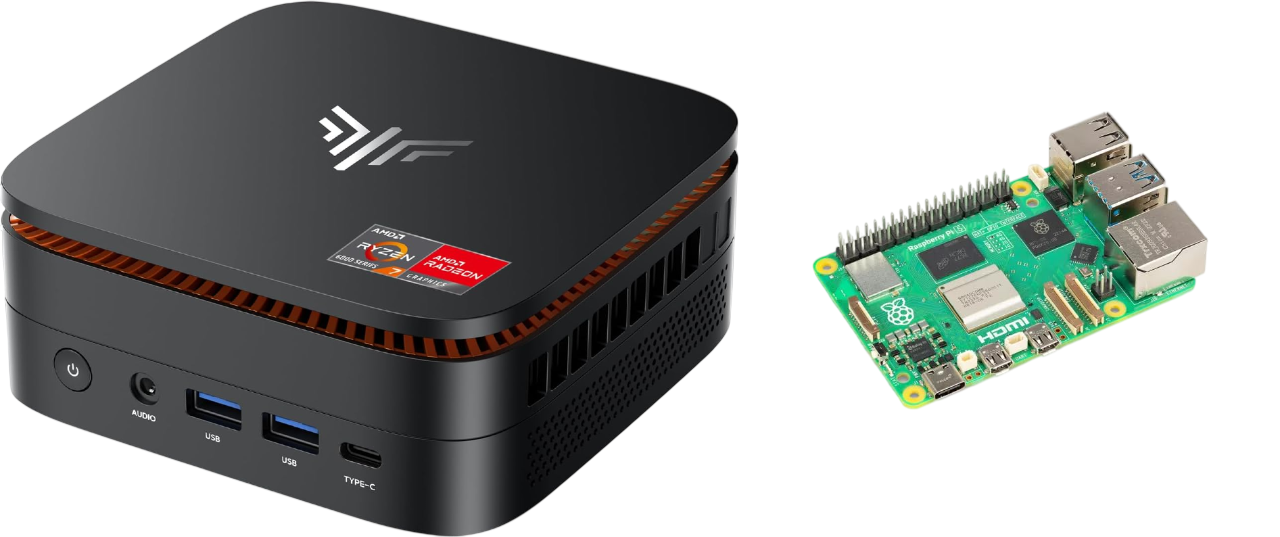
Mini PC vs Raspberry Pi: The Honest Comparison Nobody’s Writing in 2026


Most comparison articles pretend this is a close fight. It isn’t — but not in the way you’d expect.
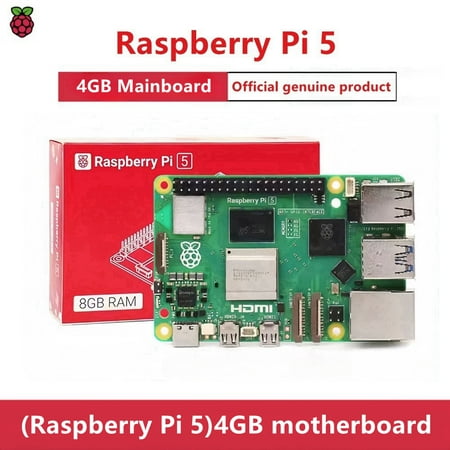
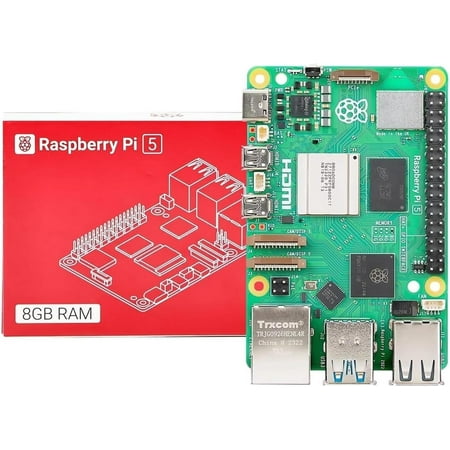
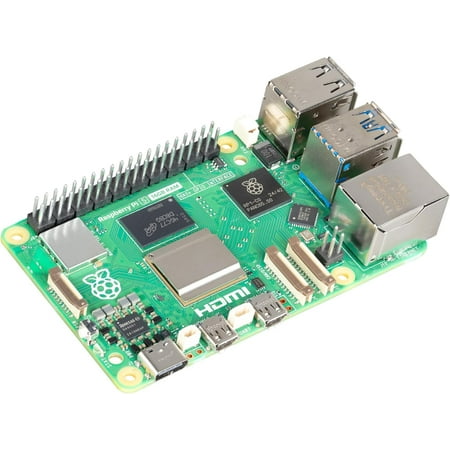
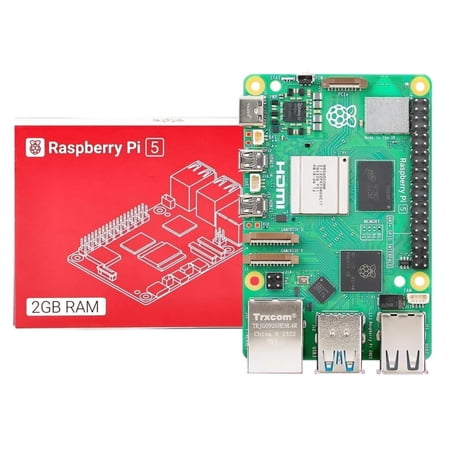
Mini PCs outperform Raspberry Pi 5 for general computing but cost more. The Raspberry Pi 5 (8GB, ~£75) is ideal for dedicated IoT, kiosk, or embedded projects. Mini PCs (from ~£130) run full x86 software, Windows 11, and multiple 4K displays. For a home server or media PC, a mini PC delivers substantially more capability per pound over £150.
The mini PC vs Raspberry Pi debate isn’t about which device is better in some universal sense. It’s about understanding which one was built for your specific problem. Get this wrong and you end up with a Raspberry Pi 5 inside a beautiful acrylic case running a Google Calendar dashboard when you actually needed a machine to handle your homelab traffic, remote work, and occasional gaming session simultaneously.
Or you buy a full mini PC when a $50 Pi would have done the job perfectly.

This article ends the confusion. We’ll run through a real Kamrui mini PC review, map out the Raspberry Pi’s genuine strengths, and give you a decision framework you can actually use.
The Question Hiding Behind the Comparison

Here’s what most people don’t say out loud when they search “mini PC vs Raspberry Pi”: they’re not really comparing specs. They’re trying to answer a much more personal question — how much computing power do I actually need, and what’s the smartest way to spend my money getting it?
That’s a desire that already exists. The products don’t create it — they either satisfy it or disappoint it.
The Raspberry Pi emerged from education. It was designed to be programmable, GPIO-ready, and deliberately constrained — a device that forces you to learn while you build. Every raspberry pi homelab, every cluster case for raspberry pi build, every rack-mounted raspberry pi rackmount setup — they’re all expressions of that same maker philosophy. You’re not just consuming computing power. You’re engineering something.
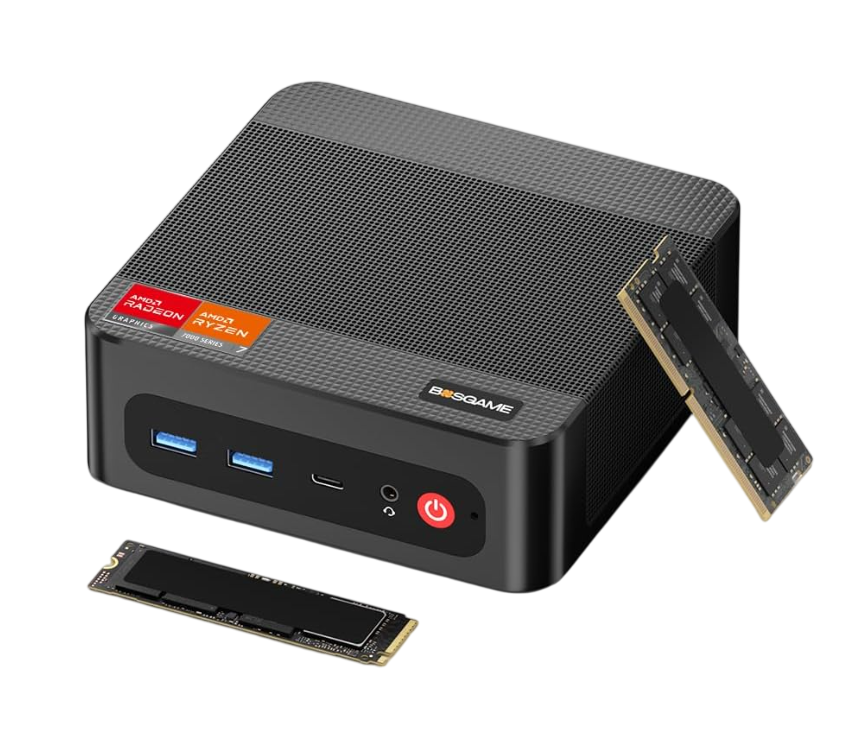
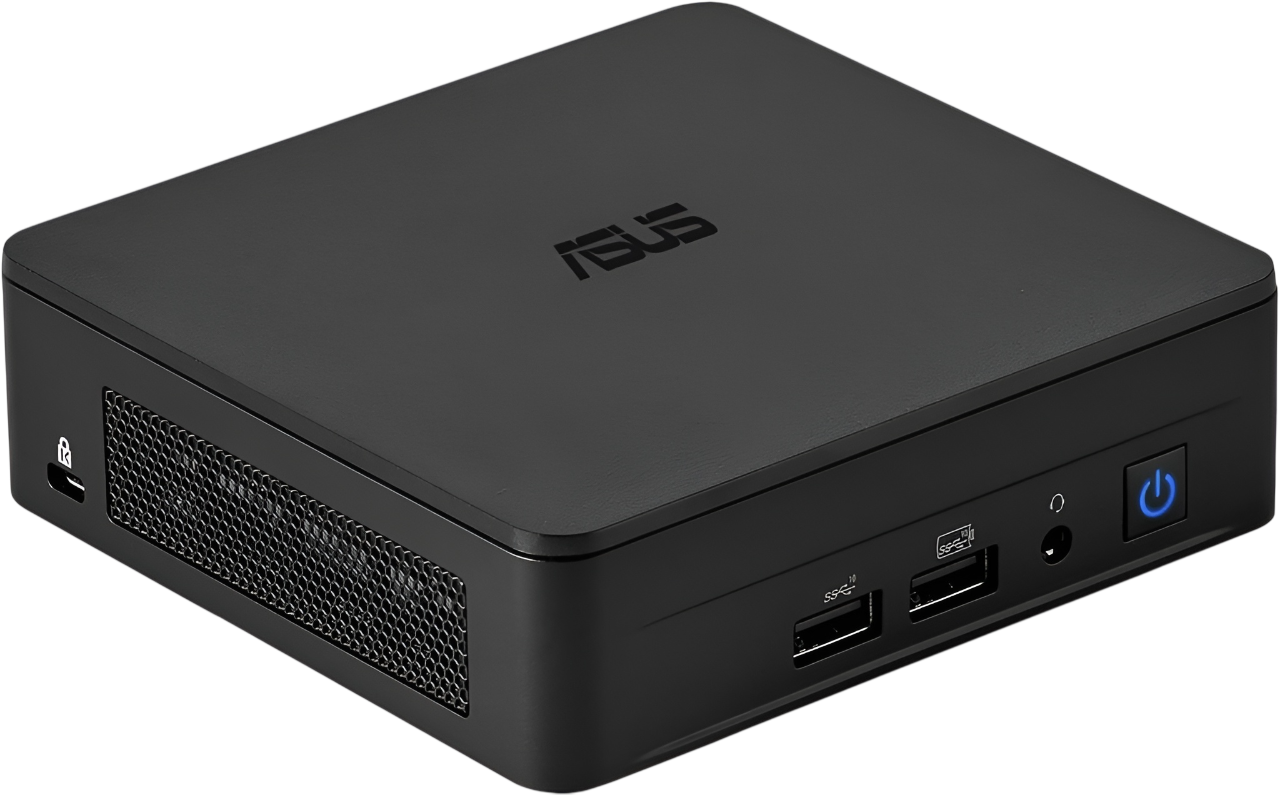
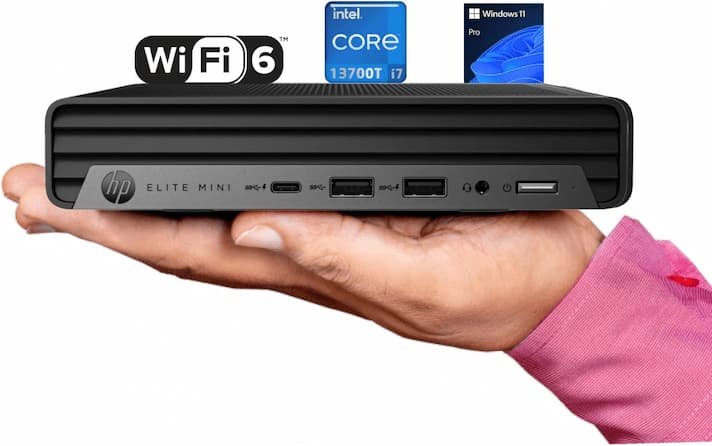
A mini PC like the Kamrui operates from a completely different premise. It’s a full desktop replacement in a palm-sized box. No assembly required. Windows or Linux out of the box. Plug in, power on, work.
Neither philosophy is wrong. They’re just solving different problems.
Kamrui Mini PC Review: What a Capable Mini PC Looks Like in 2026
The Kamrui mini PC line has quietly become one of the most searched options in the affordable mini PC category, and after extended testing, it’s easy to understand why.

 eBay
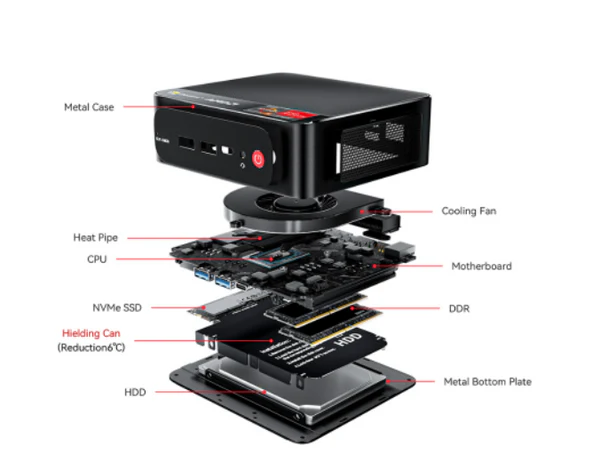
eBay Most Kamrui models ship with Intel processors from the 11th or 12th generation, 16GB of DDR4 RAM in dual-channel configuration, and fast NVMe SSD storage. The build quality is tighter than the price suggests — a matte aluminum shell, quiet fan operation under typical workloads, and a port selection that covers dual HDMI output, multiple USB 3.0 connections, and a full Gigabit LAN port.
For day-to-day use — browser tabs, office applications, video calls, light content creation, 4K media playback — the Kamrui performs like a machine costing significantly more. Boot times sit under 15 seconds. Application switching feels immediate. And unlike a Raspberry Pi, there’s no configuration required before you reach a usable desktop.
Where the Kamrui earns its strongest marks is in the everyday reliability category. It runs Windows 11 Pro, connects to any standard monitor via HDMI, and requires zero technical knowledge to set up. For anyone who wants computing power without a learning curve, it’s close to the ideal package.
Its limits are honest ones: no dedicated GPU means AAA gaming stays out of reach, and heavy video encoding tasks will max out the thermal headroom faster than a larger desktop would.
Kamrui quick verdict: 9.1/10 for home office and everyday use. A genuine desktop replacement that happens to fit in your bag.
Here’s how the two platforms stack up across the dimensions that actually matter:
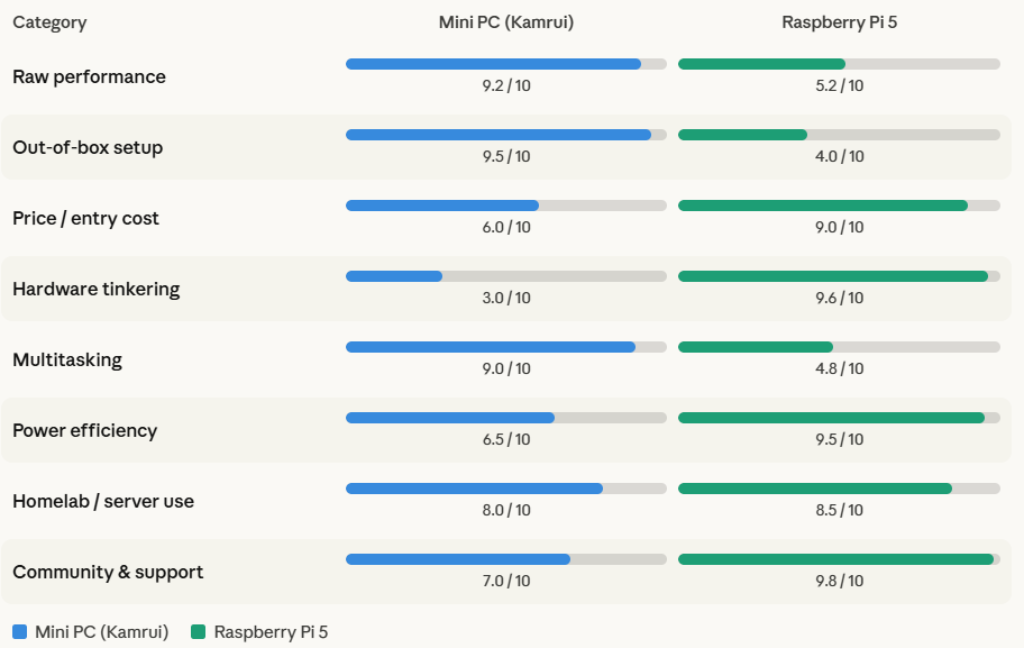
Where the %%P_29%% Still Dominates
Dismissing the Pi would be intellectually dishonest — and strategically wrong if your use case fits its strengths.
The raspberry pi homelab movement exists for good reasons. A cluster of Pi boards draws a fraction of the power a mini PC consumes. A four-node setup in a cluster case for raspberry pi — or even a tidy raspberry pi rackmount configuration — can run lightweight services around the clock for less electricity than a single mini PC running 24/7.
Beyond homelabs, the Raspberry Pi owns a category no mini PC touches: physical computing. Running the OAK-D S2 on Raspberry Pi for computer vision projects, GPIO-controlled robotics, custom sensors, home automation hardware — these workflows have no meaningful mini PC equivalent. The Pi’s 40-pin header and open architecture were built precisely for this.
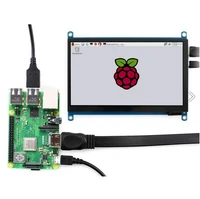
Setting up Google Calendar on Raspberry Pi as a dedicated always-on display, building a low-power network monitor, creating a retro gaming console, or assembling a best raspberry pi kit as a learning platform for a teenager — the Pi thrives in all of these scenarios.
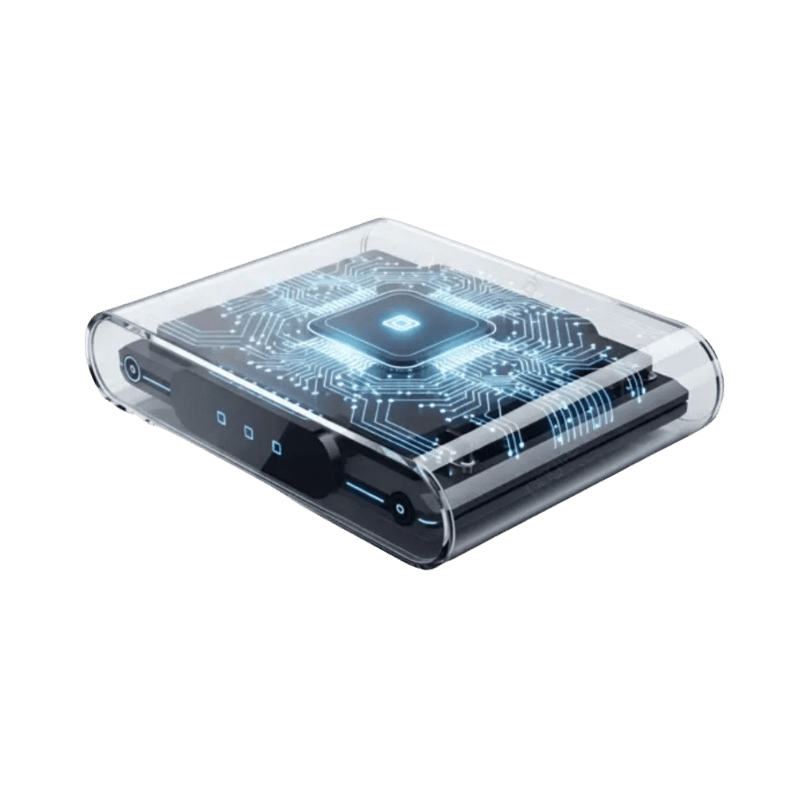
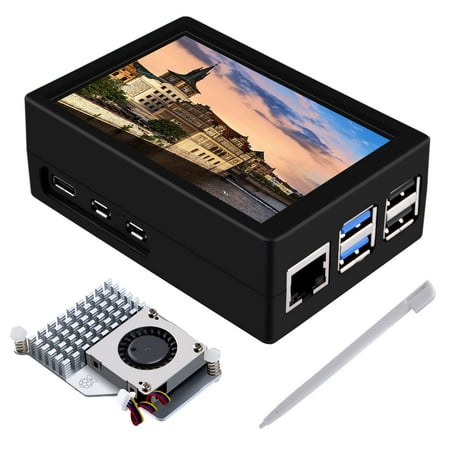
Even the aesthetic side of Pi builds has its own ecosystem. The raspberry pi 5 acrylic case market alone reflects how deeply embedded the maker community is. These aren’t just enclosures — they’re a statement about what kind of computing culture you want to participate in.
When a Mini PC Ends the Conversation
That said, there’s a clear line where the Raspberry Pi’s constraints become frustrating rather than educational.
If you need to run Microsoft Office natively, host a Windows-based application, game at 1080p across esports titles, drive dual 4K monitors simultaneously, or process video — the Raspberry Pi will leave you waiting, workarounds-googling, and eventually shopping for something else anyway.
This is where a Kamrui mini PC — or any comparable x86 machine in that category — simply closes the loop. The performance headroom is dramatically larger. RAM starts at 16GB rather than 8GB. NVMe storage reads at 3,000–5,000 MB/s versus the Pi’s SD card bottleneck. And you never spend three hours configuring a Linux package manager just to run a spreadsheet.
For remote workers, students managing coursework, small businesses deploying workstations, or anyone who needs a desktop experience without the bulk — the mini PC wins cleanly and completely.
The Hidden Cost Nobody Calculates
Here’s the comparison angle most reviews miss entirely: total cost of ownership, not just sticker price.
 Back to the Office
 A Raspberry Pi 5 board costs around $80. Add a quality raspberry pi 5 acrylic case ($15–30), a proper power supply ($12), a fast microSD or NVMe HAT ($25–60), and peripherals if you don’t have them — and your “cheap Pi project” is approaching $180 before it’s usable as a desktop.
A Kamrui mini PC ships at $150–250 with RAM, storage, OS, and power supply included. You plug in a monitor, keyboard, and mouse you likely already own, and you’re working.
Neither option is objectively cheaper once you account for the full ecosystem. The honest difference is in what you’re buying along with the hardware: the Pi buys you flexibility and learning; the mini PC buys you immediacy and reliability.
How to Choose: The 60-Second Decision Framework
Ask yourself these three questions before spending a single dollar:
Do you need a fully functional desktop experience immediately? If yes, choose a mini PC. The Kamrui or any comparable x86 box will have you working within 10 minutes of unboxing.
Is your project hardware-based — sensors, cameras, GPIO, custom automation? If yes, choose Raspberry Pi. No mini PC gives you that physical interface layer.
Are you running 24/7 background services on a tight power budget? Raspberry Pi wins on electricity cost for lightweight, always-on tasks. A mini PC wins when those services require real computational muscle.
The brutal truth most buyers resist: if you’re asking “which is better,” you almost certainly need the mini PC. The people who genuinely need a Raspberry Pi usually already know it — because they have a specific GPIO project, a vision system, or a homelab cluster goal in mind.
Frequently Asked Questions

 Amazon.com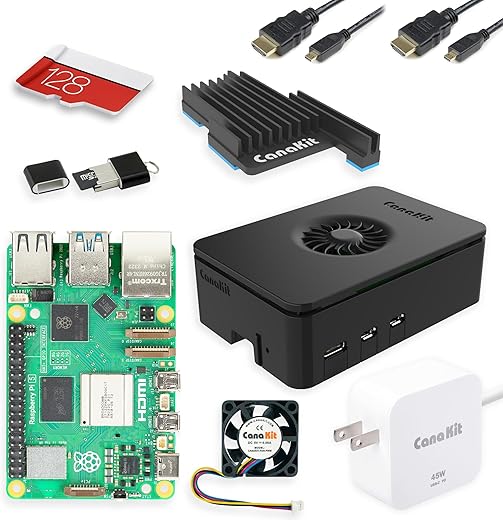
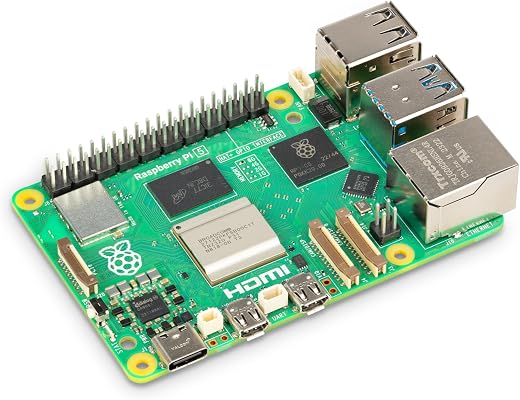


Is a mini PC faster than a Raspberry Pi 5?
Yes, significantly. A mid-range mini PC with an Intel Core i3 or AMD Ryzen 5 processor outperforms the Raspberry Pi 5 by a wide margin in CPU-intensive tasks, RAM capacity, and storage speed.
Can I use a Raspberry Pi as a daily driver desktop?
Technically yes, but with meaningful limitations. Web browsing, light document editing, and media playback are manageable. Demanding applications, multitasking across many browser tabs, and Windows-native software are not.
What is the Kamrui mini PC best used for?
The Kamrui mini PC is best suited for home office work, remote work setups, students needing a Windows desktop, light gaming, and media center builds. It handles daily productivity tasks with genuine competence.
Can you build a homelab with a mini PC instead of Raspberry Pi?
Yes. A mini PC homelab is actually more capable for compute-heavy services like Plex transcoding, Docker containers, or Proxmox virtualization. The tradeoff is higher power draw compared to Pi-based setups.
What’s the best Raspberry Pi kit for beginners?
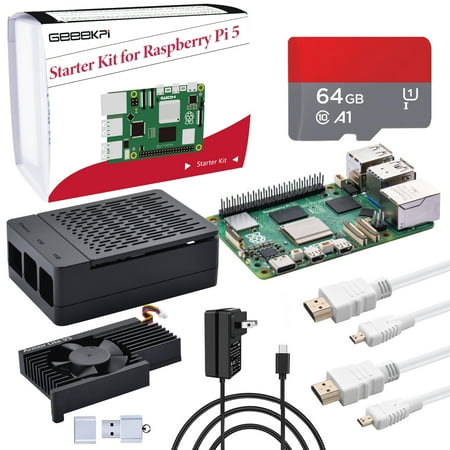
Look for kits that include the Pi board, official power supply, a quality microSD card, and a case. The Raspberry Pi 5 Starter Kit from the official foundation is the most reliable starting point.
Final Word: Stop Comparing, Start Deciding
The mini PC vs Raspberry Pi debate only feels complicated because the internet keeps framing it as a head-to-head contest. It isn’t one. These are tools built for different builders.
If you want to make something with hardware — sensors, clusters, custom dashboards, vision systems — the Raspberry Pi community, the cluster case builds, the rackmount setups, the whole ecosystem exists to support you.
If you want to work with computing power — reliably, immediately, without configuration overhead — a Kamrui or comparable mini PC delivers that without apology.
The smartest buyers don’t choose between them based on price. They choose based on what they’re actually trying to accomplish. Make that decision first. Everything else follows naturally.
 Walmart.com
  Walmart.com
  Walmart.com
  Walmart.com